
To find an existing shipment in the Trabex Shipment Management System, go to
Login with your username and password. Your username is your password. If you have forgotten your password, please use the 'Forgot Password' link to start the reset process.
When logged in, click on the Transact application on the left sidebar.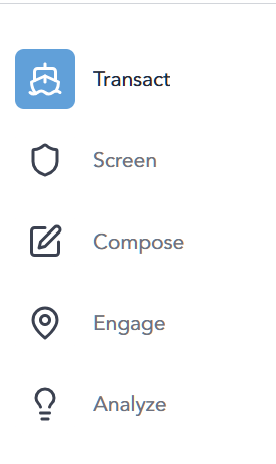
1. Above the table of shipments, select data field to search by. You can search by the shipment number, invoice number, Company/Entity, Part Number, Description, Classification/ECCN or License type. 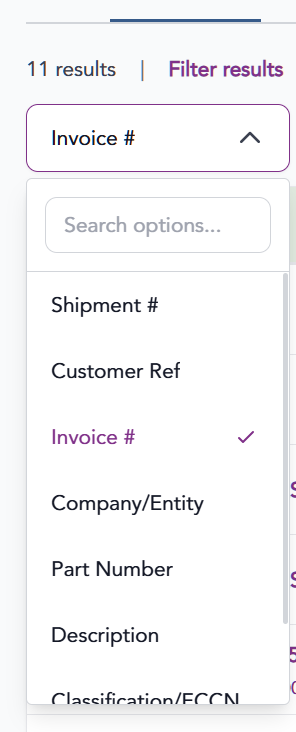
2. Provide data in the search box. Click Search
3. Any search results will appear in the table below. Click the row for the shipment you are looking for to access.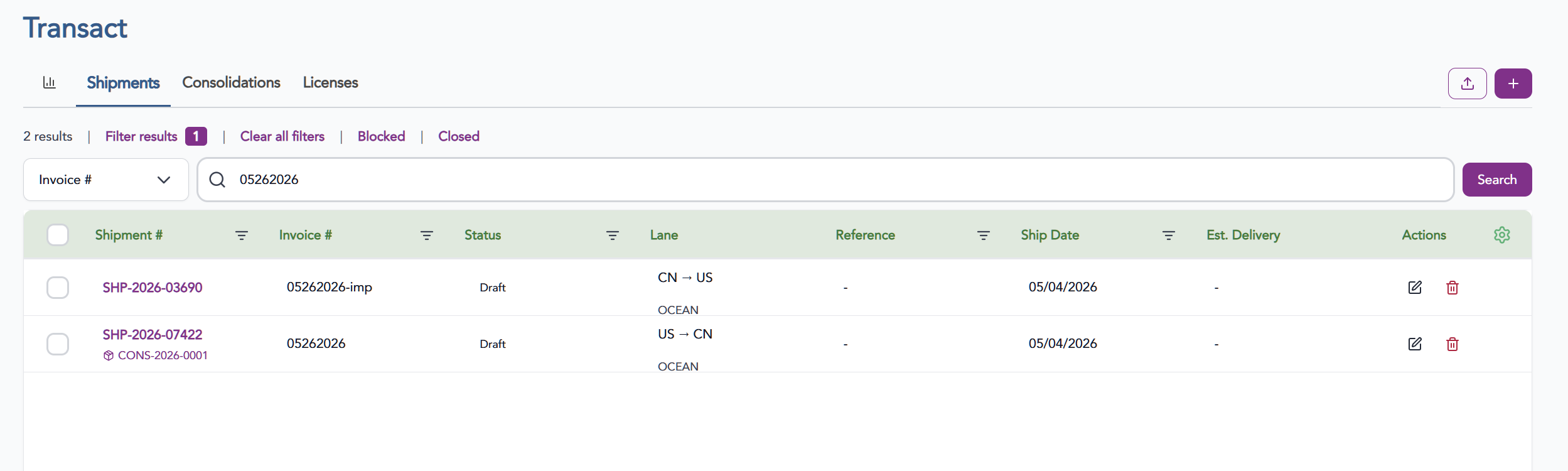
The information provided on this website does not, and is not intended to, constitute legal advice; instead, all
information, content, and materials available on this site are for general informational purposes only.