
To edit a saved entity in the Trabex Shipment Management System, go to https://console.trabex.io/
When logged in, click on the Transact application on the left sidebar.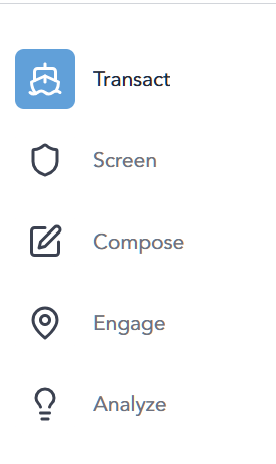
1. To edit saved entities, click the shipment data row to access the shipment screens.
2. Click on the Parties tab.
3. Click on the Edit icon under the Actions column.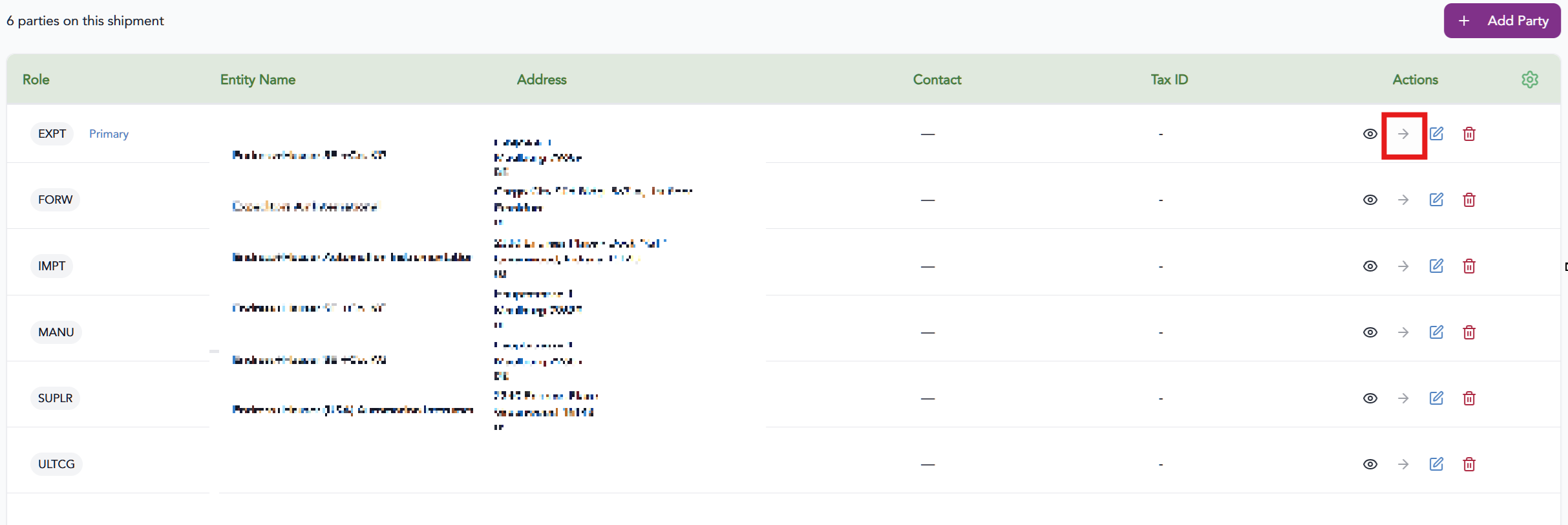
4. Edit any details as needed.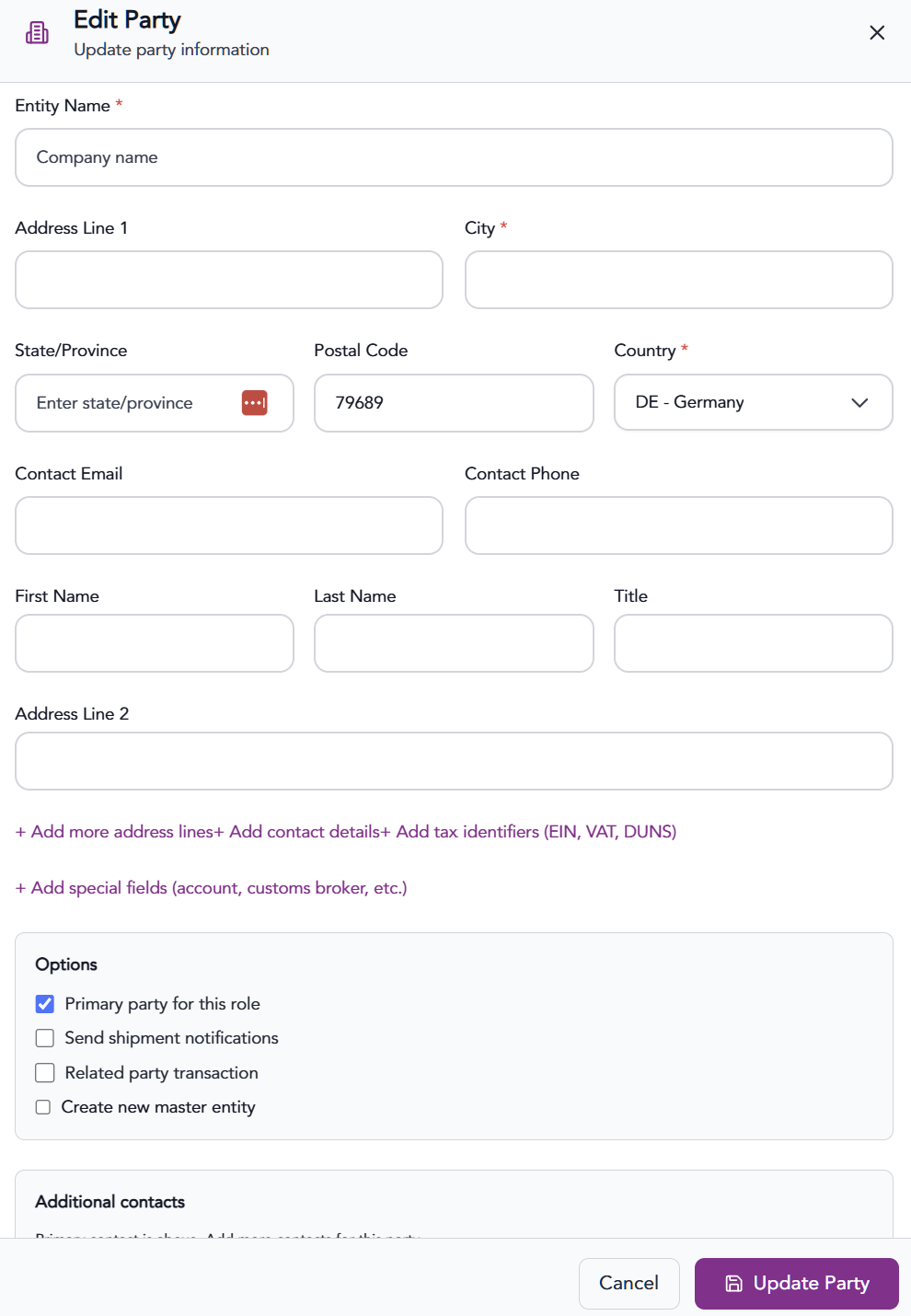
5. If desired, you can check the Create new master entity option to create this entity in the master.
6. Check the Update Party to finish.
The information provided on this website does not, and is not intended to, constitute legal advice; instead, all information, content, and materials available on this site are for general informational purposes only.